
Export your transformations
In this milestone, you’ll learn how to export your transformations outside Grafana Cloud.
After you’ve added transformations to your dashboard panels, you can export them as a CSV file.
To export the data transformations, complete the following steps:
Open your dashboard in edit mode.
Click Queries tab and click Query Inspector button.
Select the Data tab.
Expand the > Data options row.
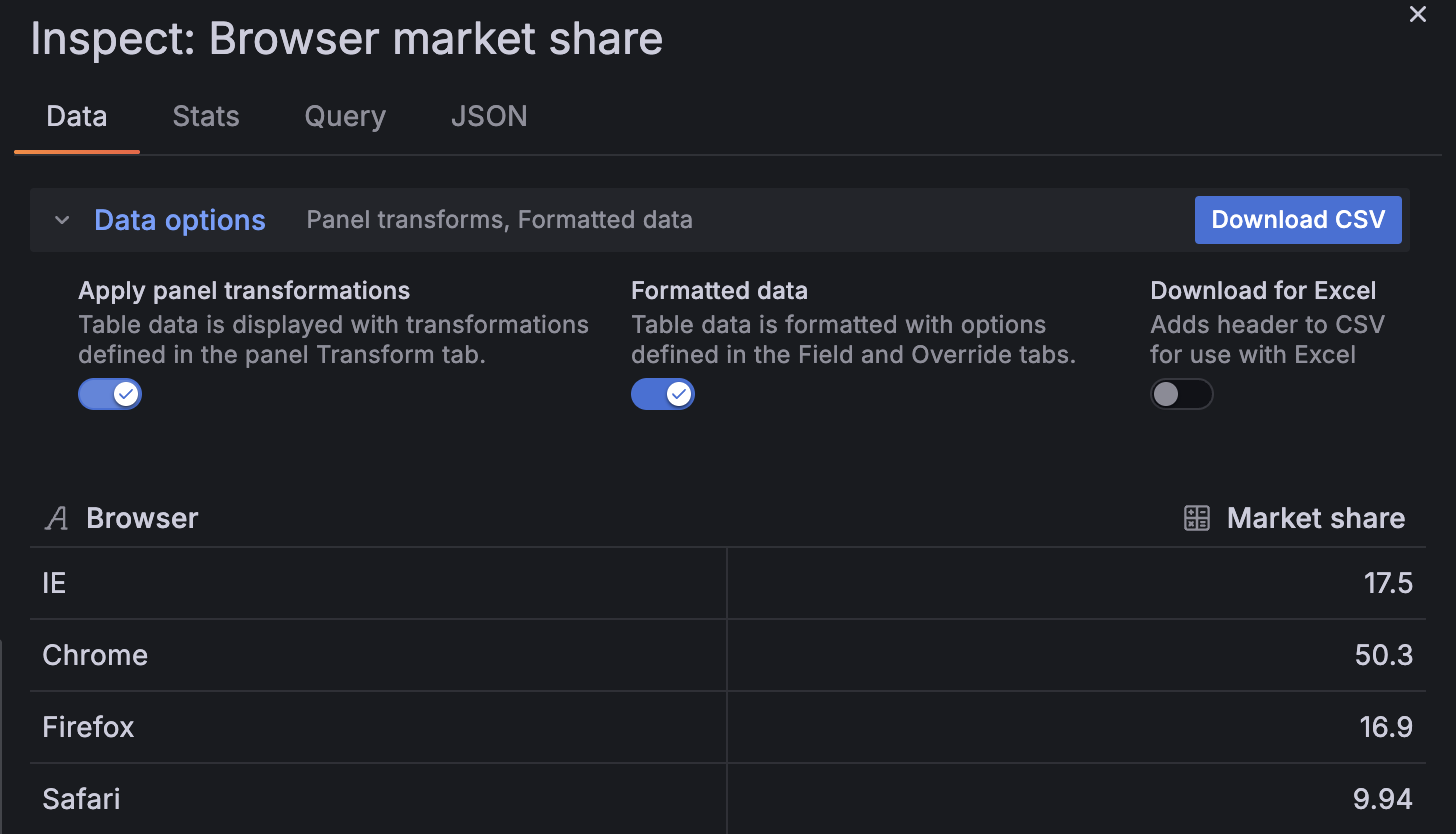
Enable the Apply panel transformation option.
The following image shows the browser market share table with the filter data by values transformation applied.
![Browser market share with transformations applied]()
Click Download CSV button.
A CSV file will be generated containing the data set with transformations.